

The Wild Atlantic Way Data Challenge, Why eSIMs Win
Let's be blunt: the Wild Atlantic Way is stunning, but it's not a city break. You're talking about 2,500 km of rugged coast, tiny villages, and stretches where the sheep outnumber the people. This isn't where your standard European roaming plan shines. I've seen countless travellers, red-faced and frustrated, trying to get a signal outside a pub in Doolin or struggling to upload a photo from a remote viewpoint in Connemara. Traditional physical SIMs often default to the biggest city networks, leaving you high and dry when you need navigation or an emergency hostel booking in a spot like the Beara Peninsula.
This is precisely where an eSIM earns its keep. Instead of being tied to one physical carrier, NorthESIM leverages multiple local networks, giving you a much wider and more resilient coverage footprint. Think of it like this: your phone isn't just trying to connect to Vodafone Ireland, it's also looking for Three Ireland and Eir, switching seamlessly to the strongest signal available. For a trip like the Wild Atlantic Way, where reliable data means the difference between finding your next budget B&B and sleeping in your rental car, that flexibility is a non-negotiable.
My last 8-day trip along the WAW, from Cork up to Donegal, cost me a grand total of €280. Data was €26 of that, for a 10GB NorthESIM plan. That's a small price to pay for always having a map, booking hostels on the fly (I'm looking at you, Kinlay Hostel Galway), and checking bus times for Bus Éireann routes that sometimes only run twice a day. Without it, I'd have spent precious euros on expensive coffee shop Wi-Fi or, worse, gotten truly lost.
The Myth of Universal Roaming
Many assume their home network's roaming package will cover them adequately. While technically true in urban centers, out on the WAW, especially past Galway, those promises start to unravel. I've been in places like the Renvyle Peninsula where my old UK SIM gave up the ghost entirely, while a local Irish SIM (and now my eSIM) held a steady 4G signal. You're paying for convenience, but also for robust backend network aggregation that physical SIMs simply can't offer without manually switching providers.
Why Physical SIMs Fall Short on the WAW
Physical SIMs mean you're locked into a single provider. If that provider has a mast down, or simply poor coverage in a specific valley, you're out of luck. Imagine driving through the Burren, trying to find your way to the Poulnabrone Dolmen, only to have your map app freeze. It's not just an inconvenience, it's a potential safety issue. Plus, who wants to spend time hunting down a physical SIM card in Dublin Airport or a small town post office when you could be hitting the road? I certainly don't.
NorthESIM for Ireland, My Budget-Backed Choice
When I'm travelling, every euro counts. My Substack readers know I obsess over value. For Ireland, specifically the Wild Atlantic Way, a NorthESIM for Ireland was the clear winner over traditional roaming or even trying to snag a local SIM. The key differentiator is its 'tundra-grade' connectivity, which isn't just marketing fluff. It means the system is designed to seek out and maintain a connection even in sparse signal areas, which is exactly what you get when you're driving through Donegal's Glencolmcille or Kerry's Ring of Beara.
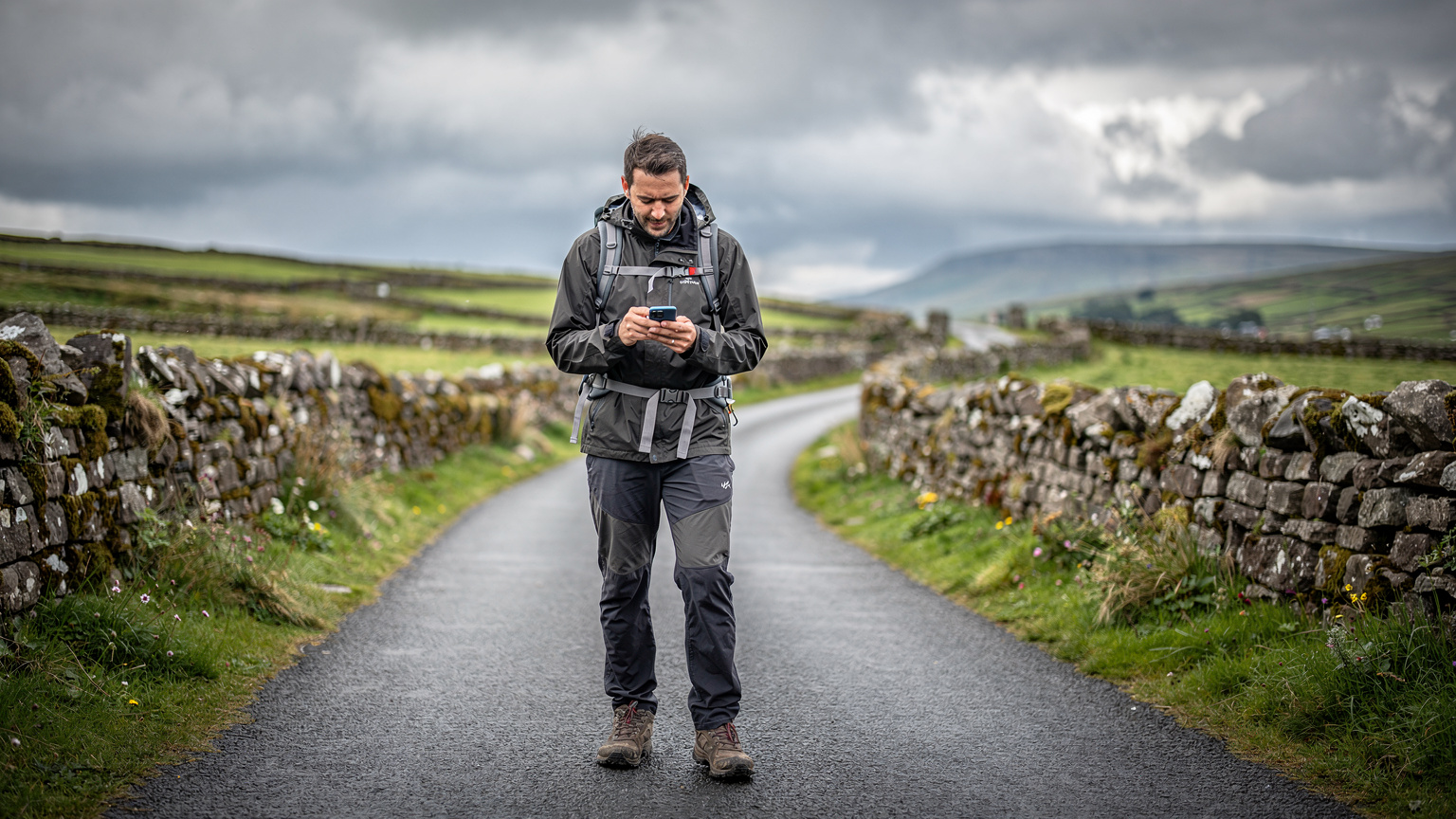
I picked a 10GB plan for 8 days, costing €26. My daily data consumption is usually around 1.2GB. This includes navigation (Google Maps is a lifesaver, even with cached maps), quick social media checks, hostel booking updates, and a bit of streaming for podcasts on long drives. The math is simple: 1.2 GB/day * 8 days = 9.6 GB. A 10GB plan was perfect, leaving me a small buffer. This isn't about luxury streaming, it's about practical, reliable connectivity.
Breaking Down My Ireland eSIM Spend
| Category | Estimated Daily Usage | 8-Day Total (Approx.) |
|---|---|---|
| Navigation (Maps, GPS) | 250 MB | 2 GB |
| Social Media & Messaging | 400 MB | 3.2 GB |
| Hostel/Accommodation Booking & Research | 300 MB | 2.4 GB |
| Light Streaming (Podcasts, Music) | 250 MB | 2 GB |
| Email & General Browsing | 100 MB | 0.8 GB |
| TOTAL | 1.3 GB | 10.4 GB |
As you can see, my 10GB plan was just right. I never felt restricted, nor did I waste money on data I didn't need. It's all about knowing your habits and picking a plan that aligns with your actual usage, not some inflated marketing promise.
Local SIM Card Alternatives, What to Expect on the Ground
For fairness, let's talk about the cheapest local physical SIM alternative. If you're staying for an extended period, say a month or more, and plan to stick to major towns, an Irish physical SIM might, *might*, save you a few euros. The main players are Vodafone Ireland, Three Ireland, and Eir. All offer prepaid options. A typical 'pay as you go' bundle from Three Ireland, for example, might give you 15GB for €20, but with a catch: you'll need to find a Three store, present ID, and deal with activation, which can take an hour out of your precious travel time. Plus, you're locked into Three's coverage, which, while generally good, isn't always the best in the deep rural areas of the Wild Atlantic Way.
I've done the physical SIM dance before. Once, in Killarney, I spent nearly an hour in a Vodafone store, waiting for an agent to activate my card, only to find out it didn't work properly until I was out of town. That's time and stress I'd rather spend hiking or enjoying a pint. The true cost isn't just the sticker price, it's the opportunity cost of your travel time. For a week or two on the WAW, the convenience and multi-network reliability of an eSIM usually outweigh the marginal cash savings of a local physical SIM.
Where to Buy and What to Expect
- Airports: Dublin (DUB) and Shannon (SNN) have kiosks, but expect inflated prices and potentially long queues.
- Supermarkets: Tesco Mobile and Lycamobile often have SIMs available, but activation is usually online and can be finicky for non-residents.
- Dedicated Stores: Vodafone, Three, Eir stores are in larger towns (Cork, Limerick, Galway, Sligo), but hours can be limited, especially in smaller hubs.
Remember, these physical SIMs usually require an unlocked phone, which most modern smartphones are. However, if you're rocking an older device or one bought on contract, double-check before you arrive. An eSIM sidesteps all of this hassle entirely.
Choosing Your Ireland eSIM Plan, Data Needs and Costs
Picking the right eSIM plan is crucial for budget backpackers. It's not about getting the most data, it's about getting the right amount for your trip length and usage habits. NorthESIM offers various packages for Ireland, typically ranging from 1GB for 7 days to 20GB for 30 days. For the Wild Atlantic Way, I usually recommend something in the middle. My 10GB for 8 days worked perfectly, but if you're a heavier user, or plan to be off-grid for longer, adjust accordingly.
Think about what you'll actually use data for. Will you be constantly uploading high-res photos to Instagram? Streaming Netflix in your hostel? Or just checking maps, messaging friends, and occasionally looking up opening hours for a local attraction? For most WAW adventurers, navigation and light communication are the primary drivers. If you're doing a longer trip, say 14 days, consider a 15GB or 20GB plan. It's usually more cost-effective per GB than topping up a smaller plan multiple times.
| Plan Type | Data Included | Validity | Typical Price (EUR) | Best For |
|---|---|---|---|---|
| Light Traveller | 3 GB | 7 Days | €8 - €12 | Short city breaks, emergency use, very minimal browsing |
| Standard Explorer | 10 GB | 8 - 15 Days | €20 - €30 | Most backpackers, navigation, social media, light streaming |
| Heavy User/Digital Nomad | 20 GB | 15 - 30 Days | €35 - €50 | Extensive use, remote work, frequent video calls, multiple devices |
| Regional Europe Pass | Varies | Varies | €40 - €70 | Multi-country trips (e.g., Ireland & UK), see Europe-42 Pass |
Estimating Your Data Needs, A Rough Guide
Here’s how I calculate what I need:
- Navigation: Google Maps or Apple Maps, even with offline maps downloaded, uses some data for real-time traffic and re-routing. Budget 200-300MB per day if you're actively driving for several hours.
- Social Media: Instagram, TikTok, Facebook, especially with video, are data hogs. If you're uploading stories and reels, plan for 500MB-1GB per day. If it's just checking feeds, 200-300MB is fine.
- Messaging: WhatsApp, iMessage, Messenger use very little data, usually under 50MB per day.
- Hostel/Booking Apps: Booking.com, Hostelworld, Airbnb, email confirmations. Maybe 100-200MB per day on average.
- Streaming: Podcasts (Spotify, Apple Podcasts) are about 60-100MB per hour. Video streaming (YouTube, Netflix) can easily eat 1GB+ per hour. My rule: save video for Wi-Fi.
Total it up, then add a 20% buffer for unexpected usage or those moments when you just need to kill time with a quick YouTube video in a quiet pub.
Activating Your eSIM, A No-Fuss Guide
This is where eSIMs truly shine. No fumbling with tiny SIM trays, no trying to explain your purchase in broken English at a local shop. The process is almost entirely digital, and you can do it before you even leave home. This means you land in Dublin or Shannon with data already live, ready to navigate your way to the bus station or your first hostel.
Step-by-Step eSIM Activation
- Purchase Your Plan: Go to the NorthESIM website, select Ireland, and choose the data package that fits your needs. You'll receive a QR code via email almost instantly. (Make sure you have a compatible phone, like an iPhone 17 or newer Android flagship).
- Scan the QR Code: Open your phone's Settings, navigate to 'Cellular' or 'Mobile Data', and look for 'Add eSIM' or 'Add Data Plan'. Use your phone's camera to scan the QR code from your email (on another device, or printed out).
- Install the eSIM: Follow the on-screen prompts. Your phone will download the eSIM profile. This usually takes less than a minute. Give it a clear label like 'Ireland Travel' so you know what it is.
- Activate the Data Plan: Once installed, your phone will ask which SIM to use for data. Select your newly installed Ireland eSIM. Ensure 'Data Roaming' is turned ON for this eSIM (it's essential for it to connect to local networks). Keep your primary SIM active for calls/texts, but disable its data roaming to avoid unexpected charges.
- Test Connectivity: Once you land, or even before you leave if your plan allows, perform a quick test. Open a browser, load a website, or send a WhatsApp message. You should be good to go.
I usually do this while waiting for my flight to board. It takes literally five minutes. I've heard some horror stories about people trying to do this in remote airports with flaky Wi-Fi, so get it done when you have a stable connection.
Real-World Connectivity Along the Route, My Experience
From the bustling streets of Galway to the windswept Skellig Ring in Kerry, my NorthESIM held its own. I was consistently impressed by its ability to pick up a signal where my travel companions, on traditional roaming plans, had none. Here's a quick rundown of my experience in various WAW regions:
- County Cork & Kerry: Generally strong 4G in towns like Kinsale, Clonakilty, and Killarney. Even out on the Ring of Kerry and Beara Peninsula, I had intermittent but usable 3G/4G. Essential for navigating those narrow, winding roads.
- County Clare: Excellent coverage around Lahinch, Doolin, and the Cliffs of Moher. I was able to upload a short video from the visitor center without issue.
- County Galway & Connemara: Galway city itself is a breeze. Venture into Connemara National Park or the Sky Road near Clifden, and signals get spottier, but the eSIM still managed to pull in a faint 3G where others had nothing. It was enough for basic messaging and map loading.
- County Mayo & Sligo: Westport and Sligo towns had solid 4G. Further north towards Achill Island or Downpatrick Head, the signal became less consistent, but still better than my previous experiences with a single-carrier physical SIM.
- County Donegal: This is where the 'tundra-grade' really shone. Remote areas like Malin Head or the Slieve League cliffs are stunning but truly isolated. I had moments of no signal, absolutely, but they were fewer and shorter than expected. Crucially, I could always reconnect within a few minutes of driving to a slightly higher elevation or more populated area.
Unexpected Signal Boosts
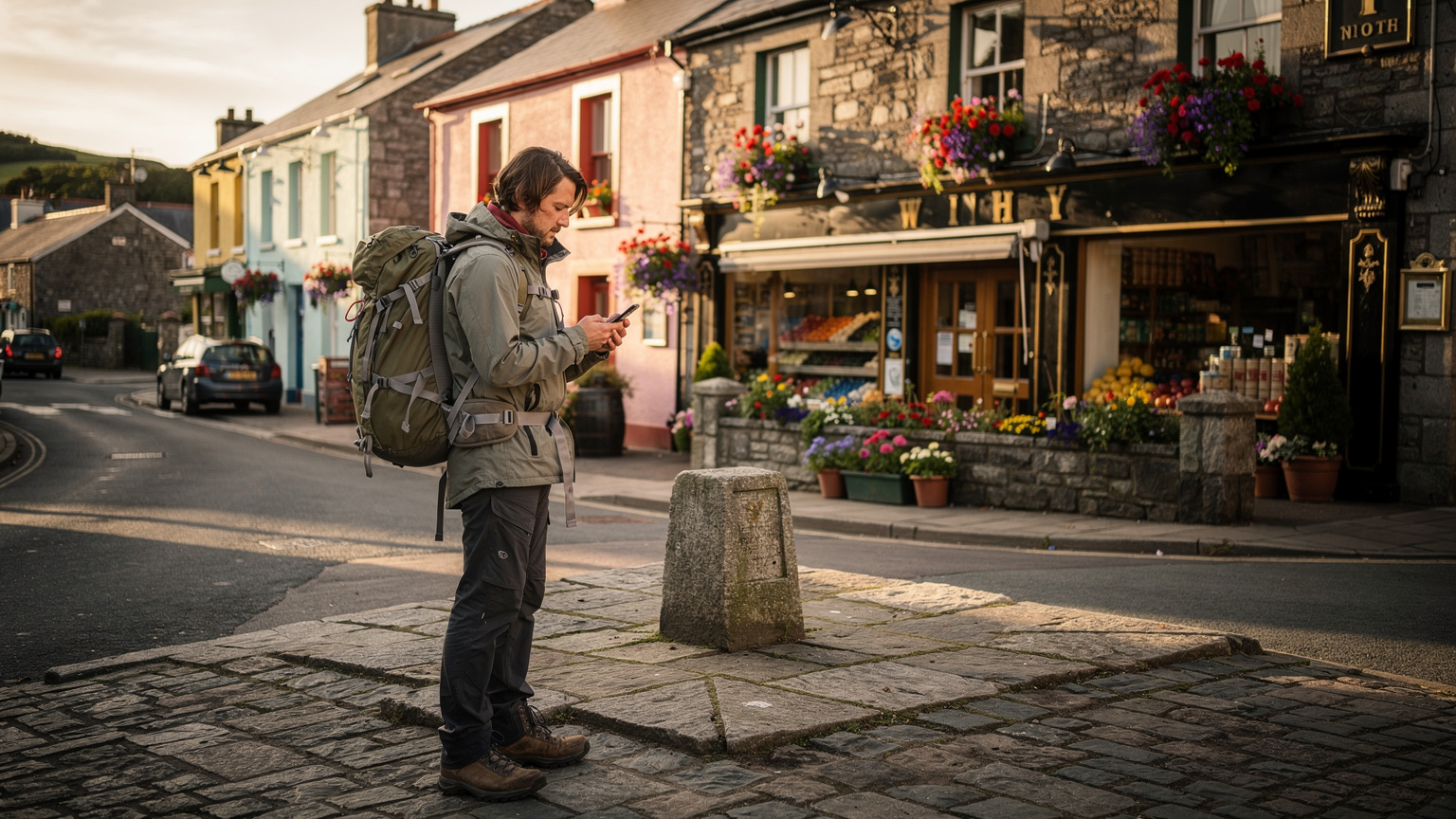
One evening, I was staying at a rather remote hostel near Louisburgh, County Mayo. The Wi-Fi was abysmal, as is often the case in budget hostels. My travel buddy, on a UK roaming plan, had no signal at all. My NorthESIM, however, managed to pull in a weak but stable 3G signal. It wasn't fast enough for streaming, but it allowed me to check my email, confirm my next hostel booking, and send a few WhatsApp messages. That's the difference between being truly cut off and maintaining essential connectivity.
Border Crossing and Roaming Gotchas, Staying Connected to Northern Ireland
This is a big one for the Wild Atlantic Way, especially if you plan to venture up to Donegal and then potentially cross into Northern Ireland. The border is open, unmarked, and you can easily drive from the Republic into the UK without even noticing. This is where most European roaming plans start getting expensive. Your Irish eSIM will work perfectly in the Republic of Ireland, but as soon as you cross into Northern Ireland, you'll be subject to roaming charges or simply lose service if your plan doesn't include UK data.
My advice? If you plan to visit Belfast or the Giant's Causeway, get a separate Europe-42 Pass eSIM that covers both Ireland and the UK, or at least a specific UK eSIM. Don't rely on your Irish-only plan. I've seen people get hit with hefty bills for just a few minutes of data usage across the border. Always check your data usage notifications when you get close to the border, particularly around counties Donegal, Leitrim, Cavan, Monaghan, Louth. Your phone will usually flash a notification when it switches networks, indicating you've crossed into a different billing zone.
My Border Crossing Strategy for Donegal
When I was exploring Malin Head, the northernmost point of Ireland, I knew I was close to the border with Derry, Northern Ireland. I had a separate UK eSIM activated, but turned off. As I approached the 'invisible' border, I got a text from my primary UK network warning me of roaming charges. I immediately switched my active data plan on my phone to the UK eSIM, ensuring I wouldn't incur extra costs if I accidentally connected to a UK mast. It's a small trick, but it saves euros.
Always check NorthESIM's FAQ section or plan details to confirm multi-country coverage if you're planning a trip that might skirt or cross the border. It's better to be prepared than surprised.
Optimising Your Data Usage, Tricks From the Road
Even with a generous eSIM plan, smart data usage is key to stretching your euros further. This is especially true on the Wild Atlantic Way, where you might have days with weaker signals, making every megabyte count. Here are my go-to tactics:
- Download Offline Maps: Before you leave a Wi-Fi zone (hostel, café), download the Google Maps region for your next few days' drive. This drastically reduces data consumption for navigation.
- Cache Streaming Content: If you're into podcasts or music, download episodes/playlists over Wi-Fi. This means zero data usage when you're driving through a remote area. Spotify and Apple Music both offer this.
- Disable Background App Refresh: Go into your phone settings and turn off background refresh for apps that don't need constant updates. Facebook, Instagram, and email apps are big culprits.
- Restrict High-Quality Media Uploads: Most social media apps have settings to upload photos/videos at lower quality when on mobile data. Use this. Save the high-res uploads for Wi-Fi.
- Monitor Data Usage: Regularly check your phone's data usage statistics (Settings > Cellular/Mobile Data). This helps you identify which apps are consuming the most data and adjust accordingly.
The Power of Hostel Wi-Fi
Embrace hostel Wi-Fi. Even if it's slow, it's free. Use it to download updates, sync photos to the cloud, make video calls, and do any heavy browsing. I always make a point of doing these tasks in the evenings at my accommodation, preserving my eSIM data for when I'm actually out exploring and need it most.
For instance, on my trip, I was often staying at Generator Hostels or Kinlay Hostels, which generally have decent Wi-Fi in their common areas. I'd use that time to download Netflix episodes for the next leg of my journey, ensuring I didn't touch my mobile data for entertainment.
Troubleshooting Common eSIM Issues, When the Signal Fades
Even with the best eSIM, you might encounter moments where the signal dips or vanishes entirely. It's the Wild Atlantic Way, not Times Square. Don't panic. Most issues are easily fixed. I've had my share of connectivity blips, and these steps usually resolve them quickly:
- Toggle Airplane Mode: This is the universal fix for most phone connectivity issues. Turn it on for 30 seconds, then off again. It forces your phone to re-scan for networks.
- Check eSIM is Active: Go to your phone's 'Cellular' or 'Mobile Data' settings. Ensure your Ireland eSIM is selected for 'Mobile Data' and that 'Data Roaming' is toggled ON for that specific eSIM.
- Restart Your Phone: The classic IT solution. A full restart can clear up many temporary glitches and re-establish network connections.
- Manual Network Selection: In some rare cases, your phone might be stubbornly trying to connect to a weak network. Go to 'Cellular' > 'Network Selection' (or similar) and toggle off 'Automatic'. Your phone will then list available networks. Try selecting a different Irish provider (e.g., if you're currently on Three, try Vodafone or Eir). Remember to switch back to 'Automatic' once you have a stable connection.
- Contact Support: If all else fails, reach out to NorthESIM customer support. They can often diagnose issues remotely. I've found their support to be responsive, which is critical when you're on the road.
What to Do When You Have No Signal At All
There will be spots on the Wild Atlantic Way where there is genuinely no signal for any carrier. These are usually in deep valleys, remote beaches, or certain mountainous areas. When this happens, use it as an opportunity to disconnect. Enjoy the scenery. You're not always meant to be online. If it's an emergency, look for the nearest town or a pub. Most pubs, even in tiny villages, will have Wi-Fi. And remember, for genuine emergencies, your phone should still be able to make emergency calls (112 or 999 in Ireland) even without an active data plan, as long as *any* network is available.
Final Thoughts on Staying Connected on the Wild Atlantic Way
The Wild Atlantic Way is an adventure, a journey through some of Europe's most breathtaking and untamed landscapes. Don't let connectivity worries overshadow the experience. Investing in a reliable eSIM like NorthESIM is a small expense that pays dividends in peace of mind, saved time, and efficient travel. It's the smart move for any budget-conscious explorer tackling Ireland's rugged west coast in 2026.
My experience, from navigating the treacherous bends of the Healy Pass to finding hidden gems in remote Donegal, proved that an eSIM is not just a convenience, but a necessity for truly enjoying this iconic route. It allows you to focus on the dramatic cliffs, the crashing waves, and the warm hospitality, rather than constantly searching for a signal. So, pack your bags, get your eSIM sorted, and hit the road. The Wild Atlantic Way awaits, and you'll be connected every step of the way.
Frequently Asked Questions
Is NorthESIM truly reliable in remote areas of the Wild Atlantic Way?
Yes, NorthESIM leverages multiple local networks in Ireland (Vodafone, Three, Eir), allowing your device to automatically switch to the strongest signal available. This 'tundra-grade' connectivity significantly improves reliability in remote coastal stretches where single-carrier physical SIMs often struggle to maintain a connection.
How much data will I need for a 7-day trip along the Wild Atlantic Way?
For a 7-day Wild Atlantic Way trip, most budget backpackers will find a 10GB eSIM plan sufficient. This allows for daily navigation, essential communication, hostel bookings, and light social media use. Heavy streaming should be saved for Wi-Fi to conserve data.
Can I use my NorthESIM if I cross into Northern Ireland?
An Ireland-specific NorthESIM will only cover the Republic of Ireland. If you plan to cross into Northern Ireland (which is part of the UK), you will need a separate UK eSIM or a regional Europe eSIM that includes both Ireland and the UK to avoid roaming charges and maintain connectivity.
Is it cheaper to buy a local physical SIM card in Ireland?
While a local physical SIM might offer a slightly lower per-GB cost for extended stays (1+ month) in major cities, the time and effort required to purchase and activate it, plus the single-carrier limitation, often make an eSIM a more cost-effective and convenient choice for shorter trips along the Wild Atlantic Way. The 'true cost' includes your valuable travel time.
What's the best way to save data on an eSIM while traveling the Wild Atlantic Way?
To save data, download offline maps before you leave Wi-Fi, cache streaming content (podcasts, music), disable background app refresh for non-essential apps, and restrict high-quality media uploads. Regularly monitor your data usage in your phone's settings to identify and curb data-hungry apps.
How quickly can I activate my NorthESIM for Ireland?
Activation is almost instant. After purchasing your NorthESIM plan online, you'll receive a QR code via email. Scanning this QR code through your phone's settings typically takes less than five minutes, allowing you to have active data before you even land in Ireland.