

Golden Circle Data Challenge: Why Connectivity Matters in Iceland
Spending a week exploring the Golden Circle in Iceland is an unforgettable experience, but it can quickly turn sour if you're constantly worried about getting lost or running up a massive phone bill. I've heard too many stories from fellow backpackers about paying €150+ for a week of data, or worse, finding themselves without signal when they needed it most. For my last eight-day trip through the Golden Circle and south coast, my data costs were a lean €28. That's right, about €3.50 a day for reliable 4G/5G, even near Jökulsárlón glacier lagoon.
Iceland's beauty often comes with isolation. The roads are well-maintained, but cellular coverage isn't universally perfect, especially once you veer off Route 1 or into some of the more dramatic canyons. You'll be relying on your phone for GPS navigation, checking real-time weather updates (which change faster than you can say 'Eyjafjallajökull'), finding that cozy guesthouse in Flúðir, and, let's be honest, sharing those incredible photos of Gullfoss and Geysir. Without consistent data, you're not just inconvenienced, you're potentially less safe. Imagine needing to call for roadside assistance near Seljalandsfoss after a small mishap, only to find you're in a dead zone because you gambled on patchy free Wi-Fi.
The traditional approach, buying a local physical SIM card, has its drawbacks. First, finding a store that sells them, especially outside of Reykjavík's Keflavík International Airport (KEF) or the larger towns, can eat into your precious travel time. Second, the prices aren't always budget-friendly for shorter trips. For example, a 10GB SIM from Síminn or Vodafone Iceland might run you ISK 3,500-4,500 (approx. €23-€30) for 30 days. That's a decent option if you're staying a month, but for a 7-day Golden Circle blitz, it's often overkill and involves an extra airport errand. An eSIM, on the other hand, means you're connected before your plane even touches down, skipping the queues and getting straight to the adventure.
eSIM vs. Local SIM Card: The Cost Breakdown for Iceland 2026
Let's talk numbers, because that's where the rubber meets the road. I've always preached that every euro saved on data is another euro for a hot bowl of Icelandic lamb soup or an extra night at a comfortable hostel like Hlemmur Square. The choice between an eSIM and a local physical SIM in Iceland often boils down to convenience and how long you're staying.
For fairness, the cheapest local physical SIM card option you'll find for Iceland is generally from carriers like Síminn or Vodafone. Their prepaid offerings are solid. Expect to pay around ISK 2,500 for 5GB or ISK 3,500 for 10GB, valid for 30 days. You'd typically grab this at a 10-11 convenience store in Reykjavík or directly at the airport. It's a valid choice, especially if you have an older phone that doesn't support eSIM or if you plan an extended stay beyond two weeks.
However, for a typical 5-10 day Golden Circle tour, the value proposition of an Iceland eSIM is usually superior. You avoid the hassle of finding a store, dealing with language barriers, or fussing with a tiny SIM ejector tool. More importantly, you often get better per-GB rates for shorter durations. Let's look at a quick comparison for a 7-day trip with a moderate data user:
| Option | Data Allotment | Cost (approx.) | Cost per GB (approx.) | Convenience |
|---|---|---|---|---|
| Local Síminn SIM | 5 GB | €18 (ISK 2500) | €3.60 | Requires purchase & installation in Iceland |
| Local Vodafone SIM | 10 GB | €25 (ISK 3500) | €2.50 | Requires purchase & installation in Iceland |
| eSIM (e.g., NorthESIM) | 5 GB (7-day plan) | €15 | €3.00 | Instant activation before arrival |
| eSIM (e.g., NorthESIM) | 10 GB (15-day plan) | €25 | €2.50 | Instant activation before arrival |
As you can see, the per-GB cost for eSIMs is very competitive, often identical to or better than local physical SIMs, especially when you factor in the time saved. For a budget backpacker, time is money, and avoiding a 30-minute detour at the airport to buy a physical SIM can mean more time exploring the hot springs of Secret Lagoon.
Choosing the Right eSIM Plan for Your Icelandic Adventure
Selecting an eSIM plan isn't a one-size-fits-all situation. Your ideal plan depends heavily on how you use your phone on the road. Are you a heavy streamer, constantly uploading HD video to Instagram, or are you more of a minimalist, just needing maps and occasional WhatsApp messages?
Here's what I consider when picking an eSIM:
- Data Allotment: Do you need 5GB, 10GB, or more? For a typical Golden Circle tour (5-7 days), 5GB is usually sufficient for navigation, light social media, and communication. If you're planning longer drives, streaming music, or working remotely, you'll need more.
- Validity Period: Match the plan's duration to your trip. Don't buy a 30-day plan for a 5-day trip, that's just wasted money. Look for 7-day, 10-day, or 15-day options.
- Coverage: Always check which local network the eSIM provider partners with. In Iceland, the main carriers are Síminn and Vodafone. Both offer excellent coverage along the Golden Circle and Ring Road. Síminn generally boasts the most extensive coverage, especially in more remote highlands, which can be crucial if you're venturing beyond the main tourist routes.
- Top-up Options: Can you easily add more data if you run out? This is a lifesaver. Nothing worse than being stuck in the middle of nowhere, needing data, and realizing you can't top up your plan.
For my last trip, I opted for a 10GB plan valid for 15 days, costing €25. This gave me plenty of buffer. I used about 7GB over 8 days (0.875 GB/day) because I was constantly looking up information, checking weather, and uploading photos and short videos. This worked out perfectly, giving me peace of mind without overspending. For reference, here's a general data usage guide:
| Activity | Estimated Data Use per Hour | Recommendation |
|---|---|---|
| GPS Navigation (Google Maps/Waze) | 5-10 MB | Minimal, but crucial. Download offline maps for backup. |
| Social Media (browsing, light uploads) | 50-150 MB | Moderate. Video uploads consume heavily. |
| Video Streaming (SD/HD) | 300 MB - 1 GB+ | Very high. Avoid unless on Wi-Fi. |
| Music Streaming | 50-100 MB | Moderate. Download playlists offline. |
| Video Calls (WhatsApp/Zoom) | 200-500 MB | High. Use sparingly or on Wi-Fi. |
Always consider downloading offline maps (Google Maps, Maps.me) and any entertainment for long drives before you leave your Wi-Fi zone. This significantly reduces your reliance on mobile data and can help you select a smaller, cheaper eSIM plan. I always have the entire Golden Circle area downloaded on Google Maps, just in case.
Activating Your Iceland eSIM: A Step-by-Step Guide
One of the biggest advantages of an eSIM is how simple it is to set up. No more fumbling with tiny plastic cards or hunting down a local store. You can do this from your couch before you even leave home, or while waiting for your flight at the airport. I usually activate mine a day before departure. This ensures that any issues can be resolved with customer support while I still have my home network.
Here's the general procedure, which works for most modern smartphones (iPhone XS and newer, most Samsung Galaxy S20/Note20 and newer, Google Pixel 3 and newer):
- Purchase Your eSIM Plan: Head over to the NorthESIM website and select an Iceland-specific plan or a regional Europe plan that includes Iceland. I usually opt for a specific country plan if I'm only in one place, as they often offer better rates and dedicated local support.
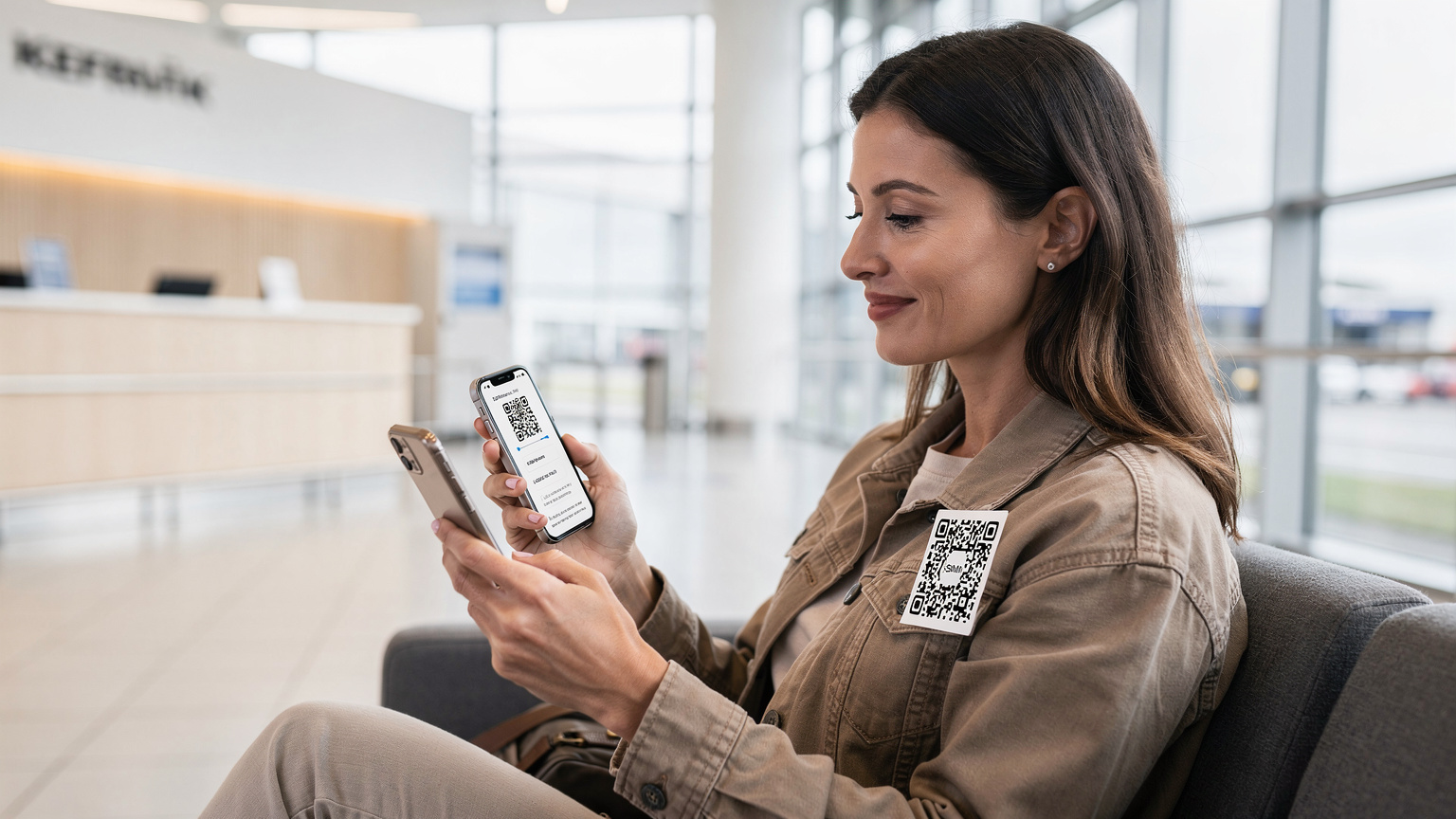
- Receive Your QR Code/Manual Details: After purchase, you'll receive an email with a QR code and possibly manual installation details. Save this email and take a screenshot of the QR code. You'll need it on a different device or printed out, as you can't scan a QR code from the same phone you're installing it on.
- Install the eSIM on Your Device:
For iPhones (iOS): Go to Settings > Cellular (or Mobile Data) > Add eSIM. Choose 'Use QR Code' and scan the code. Follow the prompts. Make sure to label your eSIM clearly (e.g., 'Iceland Travel Data') so you know which line is which.
For Android: Go to Settings > Network & Internet > SIMs > Add eSIM. Choose 'Download a SIM instead?' or 'Scan QR code.' Follow the prompts. - Configure Data Roaming & Default Line: Once installed, you'll have two lines, your primary (home) SIM and your new eSIM. Go back into your Cellular/Mobile Data settings. Make sure data roaming is OFF for your primary (home) SIM to avoid massive charges. Set your new eSIM as your primary line for cellular data. For calls and SMS, you can usually stick with your home number (if you want to receive calls/texts) or switch to the eSIM if it includes a local number (most data-only eSIMs do not).
- Test Your Connection: As soon as you land in Iceland, turn off Wi-Fi and open a web browser or app to confirm your connection is working. If it's not, check your APN settings (usually auto-configured but sometimes needs manual input, details provided by your eSIM vendor) and ensure data roaming is enabled for the eSIM (not your home SIM).
It really is that straightforward. I've guided countless first-time eSIM users through this process, even my tech-averse uncle managed it without a hitch before his trip to Europe's Smartest eSIMs: Slash Your 2026 Multi-City Roaming Costs by €50+. The key is to do it calmly, step by step, before you're stressed out at the airport.
Navigating the Golden Circle with eSIM-Powered Apps
Having reliable data isn't just about sharing photos, it's about practical navigation. The Golden Circle is well-signposted, but straying even slightly can lead to unexpected detours, especially with Iceland's dynamic weather. Your eSIM will be the backbone for all your navigation, safety, and information apps.
Here are the essential apps I rely on for any Icelandic road trip, all powered by my trusty eSIM:
- Google Maps / Apple Maps: For real-time directions, traffic updates, and discovering points of interest. Don't forget to download offline maps as a backup, especially for areas further afield than the Golden Circle's main attractions.
- Waze: Excellent for community-driven traffic alerts, including speed traps (though less common in Iceland's rural areas) and road hazards.
- Vedur: The official Icelandic meteorological office app. Absolutely essential. Iceland's weather changes on a dime, and knowing what's coming can literally save your trip (or your life if you're hiking). Check it multiple times a day.
- Road.is: Provides real-time road conditions, closures, and webcams. Critical for planning routes, especially outside of summer, when snow and ice can close mountain passes.
- WhatsApp / Telegram: For communicating with guesthouses, tour operators, and fellow travelers without incurring international SMS costs.
Using Google Maps, for instance, you can easily plot your route from Reykjavík to Þingvellir National Park, then to the Geysir geothermal area, and finally to Gullfoss waterfall, all with live traffic updates. This is particularly useful if you hit a busy time of year and need to find alternative routes or parking. Without data, you're back to paper maps, which, while charming, can be frustrating when you're trying to quickly find a gas station or a specific viewpoint.
"I once tried to rely solely on offline maps near the Snæfellsnes Peninsula. Ended up driving an extra 45 minutes because a small road was unexpectedly closed for maintenance. Live data would have saved me time and precious fuel."
Staying Safe and Connected in Remote Icelandic Regions
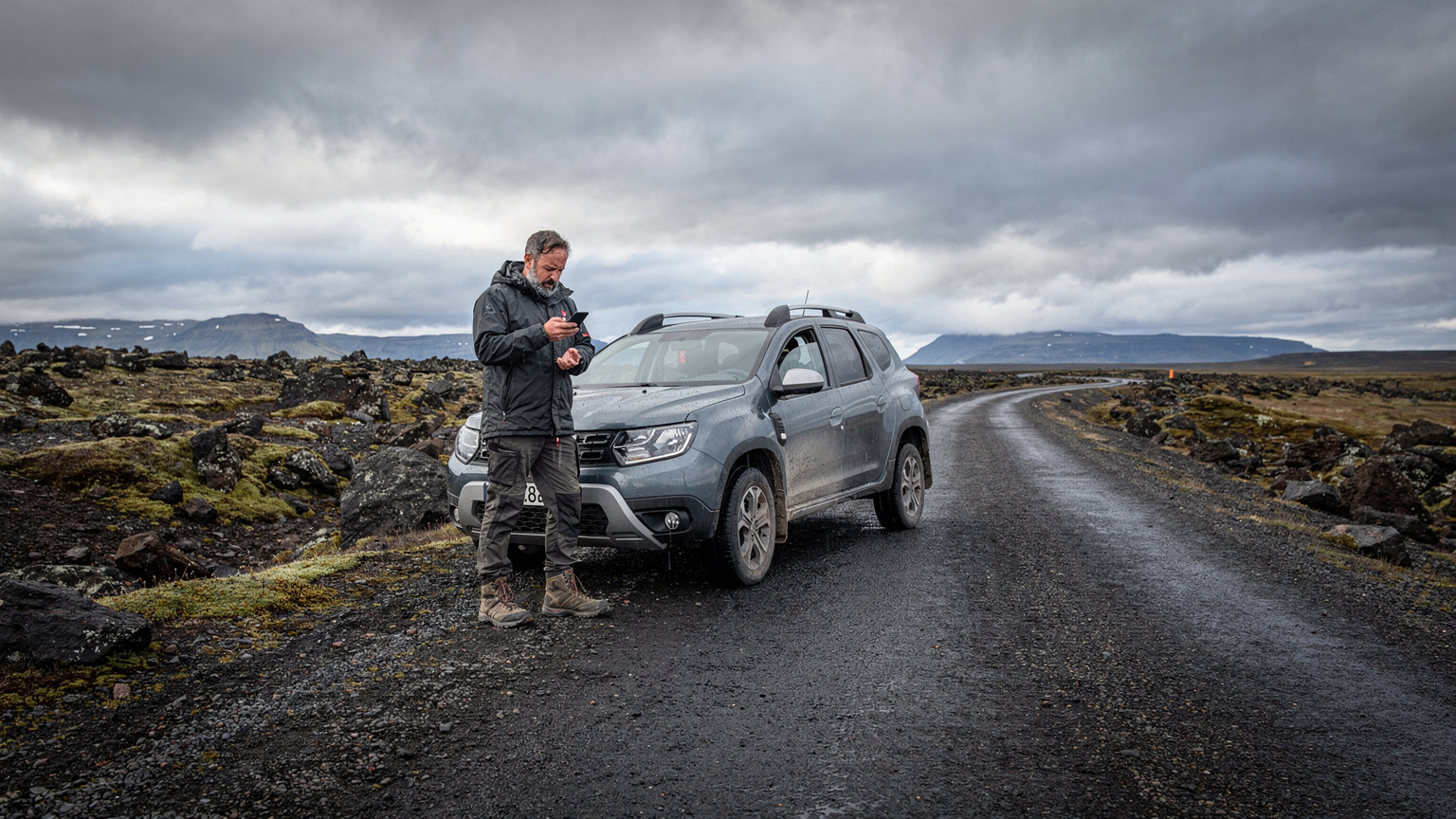
Iceland's stark beauty often goes hand-in-hand with remoteness. While the Golden Circle is well-traveled, areas just off the main path, or even certain stretches between major attractions, can feel incredibly isolated. This is where reliable data isn't just convenient, it's a safety net. For peace of mind, consider a single eSIM solution for multiple countries if your trip extends beyond Iceland.
Here's how an eSIM contributes to your safety:
- Emergency Services: In an emergency, dial 112 (the pan-European emergency number). Having active data ensures your phone can connect, even if you're not making a direct call, as location data can often be transmitted.
- Roadside Assistance: If your rental car breaks down between Selfoss and Vík, you'll need data to call the rental company or local assistance. Many rental companies provide a direct line, but you still need a working phone.
- Weather Alerts: As mentioned, Iceland's weather is notoriously unpredictable. The Vedur app, paired with constant data, will give you real-time updates on storms, high winds, or road closures, allowing you to alter plans before you get stuck.
- Contact with Loved Ones: Simple, but crucial. Being able to check in with family or friends via messaging apps provides reassurance, especially if you're traveling solo or venturing into less populated areas.
- "Where Am I?" Feature: If you get disoriented while hiking (even on a well-marked trail, it happens), your phone's GPS, powered by data, can pinpoint your exact location to share with rescuers or help you reorient yourself.
I always carry a portable power bank, especially in Iceland. Cold weather drains phone batteries faster, and you don't want to be caught without power when you need to make an emergency call. The combination of a fully charged phone, a power bank, and an active eSIM is your best defense against unexpected situations in the Icelandic wilderness.
Data Usage Expectations for Your Icelandic Trip
Budgeting for data is just as important as budgeting for accommodation or petrol. Overestimating can lead to wasted money, and underestimating can leave you stranded. Let's break down realistic data usage for a typical Golden Circle itinerary.
For a 7-day trip primarily covering the Golden Circle and perhaps a quick hop to the South Coast (Seljalandsfoss, Skógafoss), I find that most backpackers fall into one of three categories:
- Light User (2-3 GB for 7 days): This is for someone who downloads offline maps, primarily uses WhatsApp for communication, checks emails occasionally, and uploads a few photos to social media only when on Wi-Fi. They might stream a bit of music on drives if they've downloaded playlists.
- Moderate User (5-8 GB for 7 days): This is my sweet spot. Daily GPS navigation, frequent social media updates with photos and short videos, regular weather checks, some music streaming, and occasional video calls back home.
- Heavy User (10-15+ GB for 7 days): For digital nomads, streamers, or those constantly uploading high-resolution video. This user is probably working on the road, watching Netflix in the evenings, or sharing every single moment in real-time. This often requires a more robust, and typically more expensive, plan.
Let's do the math for a moderate user on an 8-day trip:
- GPS Navigation: 30 minutes/day x 8 days x 10MB/hour = ~40MB
- Social Media (photos/videos): 1 hour/day x 8 days x 100MB/hour = ~800MB
- Weather/Road Apps: 15 minutes/day x 8 days x 50MB/hour = ~100MB
- Messaging (WhatsApp): Negligible, but let's round up to ~50MB
- Light Browsing/Email: 30 minutes/day x 8 days x 70MB/hour = ~280MB
- Total: Roughly 1.27 GB for 8 days.
This calculation is extremely conservative. Reality often includes unexpected YouTube searches, a quick video call with family, or a few more photo uploads than planned. That's why I always recommend buffering up. A 5GB plan for 7 days, costing around €15, gives you roughly 0.7 GB/day. If you're cautious and use Wi-Fi at hostels like KEX Hostel in Reykjavík or HI Hostels across the country, it's very doable.
For those considering a broader European adventure after Iceland, remember that some eSIMs offer multi-country coverage. My article on Laos & Cambodia 2026: Multi-Country eSIM for Families details similar strategies for seamless cross-border connectivity.
Troubleshooting Common eSIM Issues in Iceland
Even the most seasoned traveler can run into a snag. While eSIMs are generally reliable, sometimes things don't go perfectly. Here are the most common issues I've encountered or heard about in Iceland, and how to fix them:
- No Signal After Installation:
Solution: First, restart your phone. Often, this is all it takes. Second, check that 'Data Roaming' is enabled for your eSIM profile and disabled for your home SIM. Third, manually select the network operator in your phone's cellular settings (usually Síminn or Vodafone). - Slow Data Speeds:
Solution: This can be trickier. It might be due to network congestion (less common in rural Iceland, but possible in Reykjavík), or you might be in an area with weaker signal. Check your phone's signal bars. If you're in a known good coverage area and still slow, try restarting your phone. If it persists, contact your eSIM provider's support; they can sometimes reset your connection. - Ran Out of Data:
Solution: This is a budgeting issue, not a technical one. Check your eSIM provider's app or website for top-up options. Most providers allow you to purchase additional data instantly. Always check for this feature before you buy a plan. - eSIM Not Activating:
Solution: Double-check that your phone is eSIM compatible. Not all older models are. Ensure you scanned the QR code correctly. Sometimes, poor lighting or a blurry screen can cause issues. If all else fails, use the manual installation details provided in your confirmation email. If the problem persists, it's time to contact customer support for your eSIM provider.
I once had an issue at a remote hostel near Hella where my phone just wouldn't connect to the eSIM after a battery drain. Turns out, the phone had defaulted back to my home SIM for data. A quick check in settings, switching data back to the eSIM, and everything was fine. It's often the simplest solution. For more general troubleshooting, NorthESIM has a comprehensive FAQ section that covers many common scenarios.
Extending Your Icelandic eSIM or Traveling Further
Sometimes, Iceland grabs you, and you decide to extend your trip. Or perhaps your Golden Circle tour is just the start of a larger Nordic adventure. What then? The beauty of eSIMs is their flexibility.
- Extending Your Current Plan: Most eSIM providers offer easy top-up options through their app or website. You can purchase additional data bundles or extend the validity of your existing plan. This is usually cheaper than buying a whole new eSIM if you're staying in the same country.
- Switching to a Regional or Global Plan: If your Icelandic adventure is morphing into a wider European tour (maybe a quick flight to Oslo or Copenhagen), you might consider a regional eSIM. These plans cover multiple countries, often at a slightly higher per-GB rate, but with unparalleled convenience for border crossings. I frequently use these for my multi-country jaunts, like when I needed data across Scandinavia. For larger trips, an eSIM is a must-have, especially if you're on a Global Business Connectivity 2026: ESIMFlyer's Multi-Carrier Edge for Frequent Travellers.
- Border-Crossing Edge Cases: The beauty of an eSIM is that it makes border crossings entirely seamless from a data perspective. Crossing the Öresund Bridge between Denmark and Sweden, for instance, with a regional eSIM, means no service interruption. In Iceland, you're on an island, so land borders aren't an issue, but if you were to take a ferry to the Faroe Islands, for example, your Iceland-only eSIM would likely stop working. A regional plan would be necessary. Always check the country list for your plan if you're traveling beyond your initial destination.
The ability to manage your connectivity on the fly, without hunting for a physical SIM card in a new country or dealing with an unexpected border-crossing data blackout, is a huge win for budget travelers who value efficiency and seamless transitions. It means more time hiking the basalt columns of Reynisfjara and less time worrying about phone logistics.
Final Thoughts on eSIM for a Seamless Icelandic Journey
Navigating Iceland's Golden Circle in 2026 should be about marveling at its geothermal wonders and majestic glaciers, not fretting over your mobile data. An eSIM provides that crucial peace of mind, offering reliable, affordable connectivity that keeps you safe, informed, and connected without breaking the bank. From checking the ever-changing weather on Vedur to finding your way to that hidden hot spring near Flúðir, your eSIM is your indispensable travel companion.
By understanding your data needs, choosing the right plan, and setting it up correctly, you can experience Iceland with the confidence that you're always connected. My goal is always to keep my travel costs low, and an eSIM has consistently proven to be the most tactical choice for staying under budget while maintaining high connectivity standards. Go forth, explore, and let those glacier views fill your feed without emptying your wallet.
Frequently Asked Questions
How much data do I really need for a week in Iceland's Golden Circle?
For a typical 7-day Golden Circle trip, a moderate user will need about 5-8GB of data. This covers navigation, social media updates with photos, weather checks, and occasional messaging. If you pre-download offline maps and media, 5GB is usually sufficient.
Is an eSIM faster than a local physical SIM card in Iceland?
The speed of your data connection in Iceland, whether with an eSIM or physical SIM, depends on the underlying network operator (Síminn or Vodafone) and your phone's capabilities. eSIMs generally offer the same 4G/5G speeds as physical SIMs, as they connect to the same local infrastructure.
Can I use my regular phone number for calls and texts with an Iceland eSIM?
Most data-only eSIMs for Iceland do not include a local phone number for calls or texts. You can still use your primary (home) SIM for calls and texts, but be aware of your home carrier's roaming charges. For communication, use internet-based apps like WhatsApp or Telegram with your eSIM data.
What happens if my eSIM runs out of data in Iceland?
If your eSIM data runs out, you will lose internet connectivity. Most eSIM providers offer easy top-up options through their app or website, allowing you to purchase additional data bundles instantly. It's wise to check for top-up availability before purchasing your initial plan.
Are eSIMs reliable in remote areas of Iceland, like near glaciers?
eSIMs connect to the local cellular networks (Síminn or Vodafone), which generally offer good coverage along the Golden Circle and Ring Road. While truly remote areas might have weaker signals, an eSIM will perform identically to a physical SIM on the same network. Síminn typically has the widest coverage in very remote regions.
Can I activate my Iceland eSIM before I arrive?
Yes, you can and should activate your Iceland eSIM before you arrive. Install it while you still have your home internet connection, and then simply turn it on and set it as your primary data line upon landing in Iceland. This saves time and avoids needing Wi-Fi at the airport.