

The Cost of Being Offline: Why eSIMs Matter
Let's be blunt: arriving in a new city, especially after a long-haul flight into Dublin Airport, and finding your data isn't working is a nightmare. It's not just an inconvenience, it's a financial hit waiting to happen if you end up reliant on expensive airport Wi-Fi or, worse, roaming charges. I've seen travelers pay €30 for a measly 5GB local SIM at the airport kiosk, only to find a better deal for €10 at an O2 shop in the city centre a few hours later. That's €20 wasted, enough for two nights in a decent hostel dorm or a week's worth of bus fares. My last 8-day trip through Ireland, covering Dublin, Galway, and a quick jaunt to Belfast, cost me a grand total of €280, with only €18 allocated to data thanks to a smart eSIM choice. I used about 2GB per day, primarily for maps, hostel bookings, and checking bus schedules (Bus Éireann and GoBus can be tricky). That's 16GB total, easily covered by a multi-country plan. The point is, every euro counts, and getting your eSIM to activate smoothly is the first line of defense against budget-busting travel woes.
First Checks, Before You Panic
Before you start pulling your hair out, let's go through the basics. It's amazing how often the simplest solutions are overlooked when stress kicks in. Think of it like checking if your stove is plugged in before calling a repairman.
Is Your eSIM Actually Installed?
This sounds obvious, but I've personally seen folks forget this step. You might have bought the eSIM, received the QR code, but never actually scanned or manually entered it. For iPhone users, go to Settings > Cellular > Add eSIM. For Android (like a Pixel 10 Pro), it's typically Settings > Network & internet > SIMs > Add more. If you don't see your new profile listed, you haven't installed it yet. Get that QR code scanned or the details entered.
Airplane Mode and Wi-Fi
Ensure Airplane Mode is OFF. It's designed to kill all radio signals, including your cellular connection. Sounds basic, but a quick toggle on and off can sometimes kickstart a stubborn connection. Also, turn off Wi-Fi. Sometimes your phone might prioritize a weak Wi-Fi signal, even if it's not actually providing internet, preventing your cellular data from taking over.
Restart Your Phone
The classic IT fix, but it works. A full power cycle can clear out temporary software glitches and force your phone to re-register with local networks. It's a 2-minute effort that saves a lot of headaches.
eSIM Profile Management on Your Device
Once you know your eSIM is installed, the next step is to ensure it's selected and configured correctly. Your phone can hold multiple eSIMs, and it's easy to accidentally leave an old one active, especially if you're like me and have profiles for half a dozen countries.
Selecting the Correct eSIM for Data
You need to tell your phone which eSIM to use for cellular data. This is crucial. If you have an active physical SIM from home, or another eSIM for a different region, your phone might be defaulting to that one, even if it has no service in Ireland.
- iPhone (iOS 18+):
a. Go to Settings > Cellular.
b. Under 'CELLULAR PLANS', find your new Irish eSIM profile. It might be named after the carrier or simply 'Travel eSIM'.
c. Tap on 'Cellular Data' and select your Irish eSIM from the list. Make sure the toggle next to it is GREEN. (If you're rocking the latest iPhone 17 Pro Max, you'll appreciate how smooth this is.)
d. If you have a primary SIM (physical or eSIM) you still want to use for calls/texts, ensure 'Allow Cellular Data Switching' is OFF to avoid accidental roaming charges. - Android (Pixel 10 Pro running Android 15+):
a. Navigate to Settings > Network & internet > SIMs.
b. You should see your installed eSIM profiles here. Select your new Dublin eSIM.
c. Ensure the 'Use SIM' toggle is ON.
d. Under 'Preferred SIM for', select 'Mobile data' and choose your Irish eSIM.
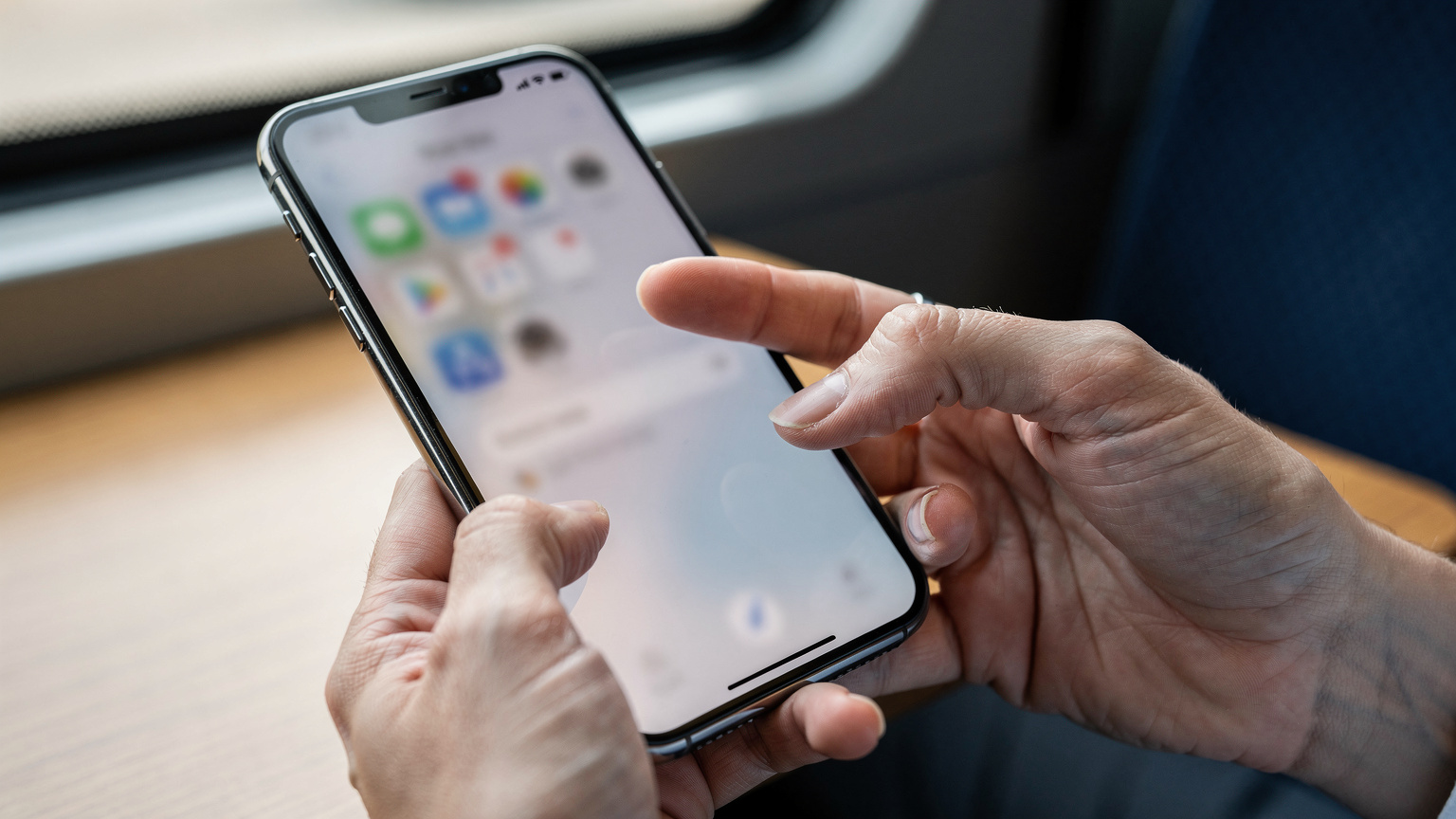
Enabling Data Roaming (If Applicable)
Some eSIMs, especially those that operate across multiple networks or are considered 'roaming' within a specific region (like a pan-European eSIM), require data roaming to be enabled. Check your eSIM provider's instructions for this. If it's a dedicated Irish eSIM, usually it won't need roaming enabled, but it's worth a quick look.
- For iPhone: Go to Settings > Cellular > [Your eSIM Name] > Data Roaming. Toggle ON if instructed by your eSIM provider.
- For Android: Go to Settings > Network & internet > SIMs > [Your eSIM Name] > Roaming. Toggle ON if necessary.
Network Settings Deep Dive
If the basic profile selection isn't cutting it, it's time to dig a bit deeper into how your phone interacts with the local networks. Sometimes a fresh start is all that's needed.
Manual Network Selection
Leaving your phone on 'Automatic' network selection is usually fine, but in areas with congested or multiple overlapping networks, it can sometimes latch onto a weaker or incompatible signal. Try manually selecting a network.
- iPhone:
a. Go to Settings > Cellular > [Your eSIM Name] > Network Selection.
b. Toggle 'Automatic' OFF.
c. Your phone will search for available networks. In Dublin, you'll likely see Eir, Vodafone IE, and Three Ireland. Try selecting one of these, starting with the one your eSIM provider specifies, if any.
d. If one doesn't work, try another after a minute or two. - Android:
a. Go to Settings > Network & internet > SIMs > [Your eSIM Name] > Network operators.
b. Toggle 'Automatically select network' OFF.
c. Wait for the phone to scan and then choose a network like Eir or Vodafone IE.
| Irish Mobile Network | Primary Frequencies (MHz) | Coverage Strength (Dublin Metro) |
|---|---|---|
| Vodafone IE | 800, 1800, 2100, 2600 | Excellent (99% 4G/5G) |
| Three Ireland | 800, 1800, 2100, 2600 | Very Good (98% 4G/5G) |
| Eir | 800, 1800, 2100, 2600 | Good (97% 4G/5G) |
Reset Network Settings
This is a more drastic step, but it often solves persistent network issues by clearing out all your saved Wi-Fi networks, Bluetooth pairings, and cellular settings, effectively giving your phone a clean slate for connectivity. You'll need to re-enter Wi-Fi passwords later, so maybe do this before you get to your hostel in Temple Bar.
- iPhone: Go to Settings > General > Transfer or Reset iPhone > Reset > Reset Network Settings.
- Android: Go to Settings > System > Reset options > Reset Wi-Fi, mobile & Bluetooth.
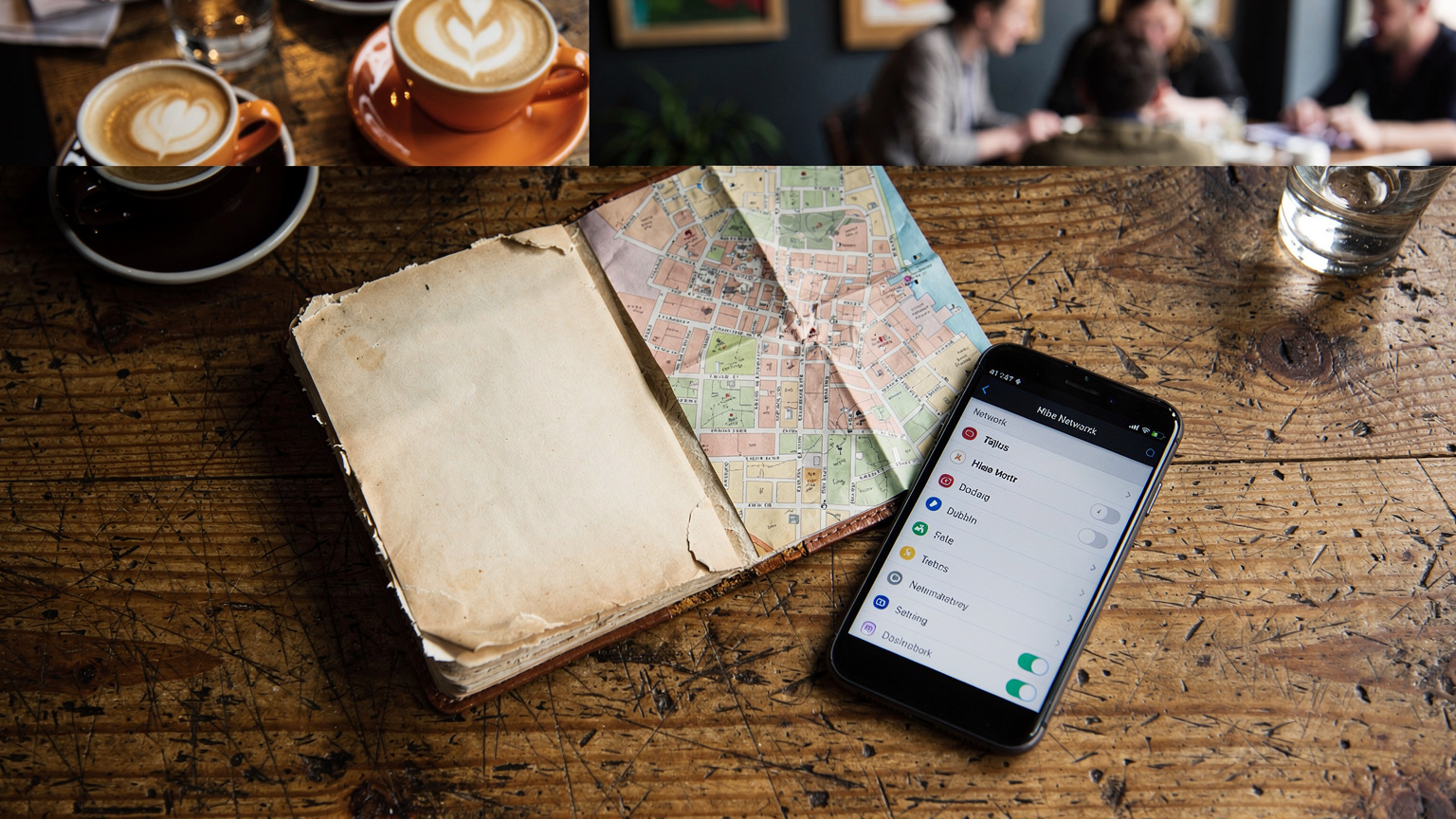
The Dreaded APN Settings: Manual Configuration
APN (Access Point Name) settings are essentially the gateway your phone uses to connect to the internet through your mobile network. Most of the time, these are automatically configured. But sometimes, especially with certain eSIM providers, they might need to be entered manually. Your eSIM provider should give you these details if they are required.
- iPhone:
a. Go to Settings > Cellular > [Your eSIM Name] > Cellular Data Network.
b. You'll see fields for 'APN', 'Username', and 'Password'. Enter the details provided by your eSIM carrier.
c. Leave any fields blank if your provider doesn't specify them. - Android:
a. Go to Settings > Network & internet > SIMs > [Your eSIM Name] > Access Point Names.
b. Tap the '+' icon to add a new APN or select an existing one to edit.
c. Enter the 'Name', 'APN', 'Username', and 'Password' as provided by your eSIM carrier. Save the new APN and select it.
Physical SIM Alternatives in Dublin: A Budget Backpacker's Fallback
Look, I'm a huge fan of eSIMs for their convenience, especially when crossing borders like the one from Argentina to Brazil, where a multi-country eSIM saved me a heap of hassle. But sometimes, things just don't work out. Maybe your phone is older and doesn't support eSIMs, or perhaps your troubleshooting attempts have failed. Don't panic, Dublin has plenty of affordable physical SIM card options, though they require a bit more legwork than an eSIM.
Where to Buy a Local SIM
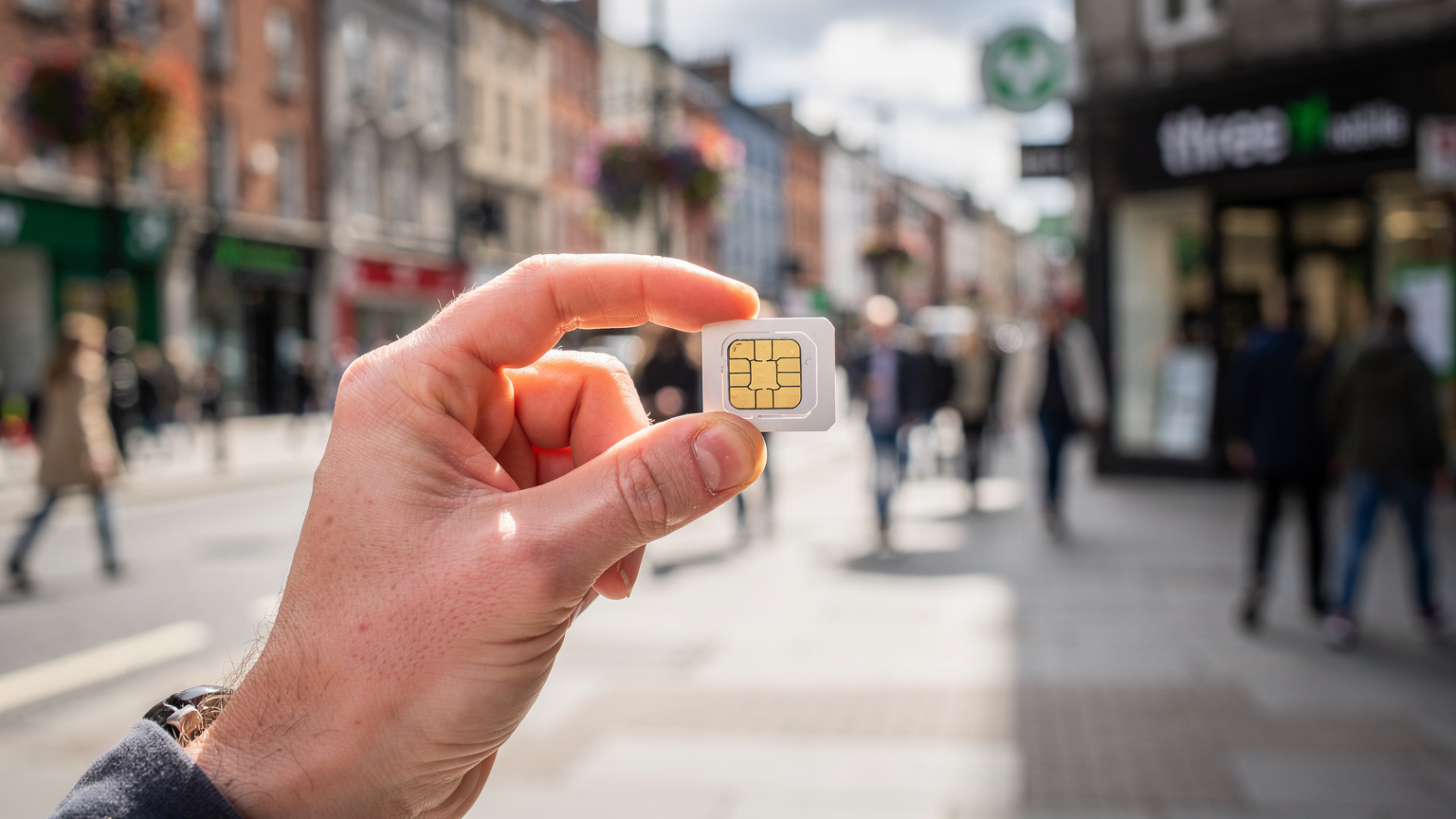
- Three Ireland: You'll find Three stores scattered throughout Dublin, including a large one on Grafton Street. They offer competitive prepaid plans. Expect to pay around €15-€20 for 20GB+ data, usually valid for 28 days.
- Vodafone IE: Similar to Three, Vodafone has numerous retail outlets. Their prepaid plans are often slightly more expensive but offer excellent coverage.
- Eir: Eir also has a presence, though perhaps not as ubiquitous as Three or Vodafone. Their deals can be good, so check their local stores.
- Supermarkets/Convenience Stores: Tesco Mobile (powered by Three) and some smaller convenience shops like Centra or Spar might sell SIM cards, but activate them at a dedicated carrier store if you're unsure, or you might end up with an unregistered SIM.
Remember, you'll need your passport for registration in Ireland, so have it ready. A local SIM is almost always cheaper than relying on international roaming from your home provider, even if your eSIM isn't working. For comparison, a typical 10GB roaming package from a North American carrier could set you back €50 or more, whereas a local SIM offers better value for less.
Troubleshooting Border Crossing Edge Cases into Northern Ireland
Ireland is unique, with the Republic of Ireland (EU) and Northern Ireland (UK) sharing a land border. This can throw a wrench into your eSIM plans if you're not careful. I ran into this headache on a trip covering both Iceland's Highlands and a quick hop to the UK, where different regional eSIMs were key.
The EU/UK Data Divide
Many 'Europe' eSIMs cover the EU, but not necessarily the UK. Northern Ireland, being part of the UK, operates under different roaming agreements. If your eSIM is strictly an EU-only plan, it WILL NOT work when you cross into places like Belfast or Derry. I've seen travelers on the Dublin-Belfast Enterprise train suddenly lose all signal as they cross the invisible border near Newry, only to realize their 'Europe' plan didn't include the UK. Check your eSIM plan's coverage map meticulously. For seamless travel between the Republic and the North, consider an eSIM that explicitly covers both the EU and the UK, or a separate UK-specific eSIM for your time in Northern Ireland. For more on managing multiple eSIMs, especially on a newer device, check out this guide on iPhone 17 Pro Dual-eSIM: Master Global Roaming & Local Data by 2027.
Manual Network Selection for Border Regions
When you're near the border, your phone might try to connect to the strongest available signal, which could be from the 'wrong' country. If you're in County Louth, close to the border, and your EU eSIM isn't working, try manually selecting an Irish network (Eir, Three IE, Vodafone IE) to ensure you're not trying to latch onto a UK network like EE or O2 UK.
When All Else Fails: Contacting Support
You've tried everything, from restarting your phone to manually configuring APN settings, and your eSIM is still stubbornly offline. It's frustrating, I know. At this point, it's time to reach out for help.
eSIM Provider Support
Your eSIM provider is your first point of contact. They have access to diagnostics and can often see if your eSIM is correctly provisioned on their network. Most providers offer 24/7 chat support, which is ideal if you're stuck at 3 AM Irish time. Have your order number, phone model, and a clear description of the problem ready. Don't be afraid to be persistent; sometimes it takes a few tries to get through to someone who can truly help.
Device Manufacturer Support
If your eSIM provider confirms everything is fine on their end, but your phone still isn't connecting, the issue might lie with your device. Apple Support or Google Pixel support can help diagnose hardware or software issues specific to your phone. This is less common for eSIM activation problems but not impossible.
Data Consumption Planning for Your Irish Adventure
To avoid running out of data mid-trip (which feels just as bad as not activating it at all), it's essential to have a realistic idea of your usage. My 2GB/day estimate for Ireland is pretty standard for a budget traveler. Here's a quick breakdown:
- Mapping & Navigation (Google Maps, Apple Maps): 0.5-1GB per day, depending on how much you're exploring on foot or driving. Downloading offline maps for Dublin can significantly cut this down.
- Hostel & Bus Booking Apps (Hostelworld, Booking.com, Bus Éireann): Minimal, maybe 100-200MB per day, mostly for loading images and processing payments.
- Social Media (Instagram, Facebook): This is where it gets tricky. Heavy scrolling and video uploads can chew through GBs. If you're a content creator, plan for 3-5GB+ per day. For casual browsing, 500MB-1GB.
- Messaging (WhatsApp, Signal): Very low, typically under 50MB per day unless you're on constant video calls.
- Streaming (YouTube, Netflix): Avoid streaming on cellular data unless absolutely necessary. An hour of HD video can be 1-3GB. Use Wi-Fi at your hostel or a cafe for this.
| Activity | Estimated Data Usage per Hour | Budget Traveler Daily Estimate |
|---|---|---|
| Google Maps Navigation | ~5-10 MB | ~0.5 GB |
| Social Media Browsing (images) | ~50-100 MB | ~1 GB |
| Messaging (text only) | ~1-2 MB | ~0.05 GB |
| Video Calling (e.g., WhatsApp) | ~150-300 MB | ~0.5 GB |
| Checking Emails/Bus Schedules | ~5-15 MB | ~0.1 GB |
My typical daily usage usually hovers around 1.5GB if I'm actively using maps and planning, which means a 20GB plan is comfortable for a 10-day trip. Always err on the side of slightly more data than you think you need. It's cheaper to buy a larger plan upfront than to top up with expensive small packages later. If you need a more comprehensive look at data usage for a family, especially with multiple devices, this guide for Thanksgiving 2026: The Engineer's eSIM & Connectivity Guide for US Travelers offers excellent insights.
Pro Tips for Seamless Connectivity in Ireland
Beyond troubleshooting, a few habits can make your entire connectivity experience smoother in Ireland, or anywhere else for that matter.
Download Offline Maps and Content
Before you even land in Dublin, download offline maps for the city and any other areas you plan to visit. Google Maps lets you save entire regions. This drastically reduces your data usage for navigation. Similarly, download movies, podcasts, or music over Wi-Fi before you head out for the day. This is a classic move I use for those long bus rides with Bus Éireann.
Utilize Free Wi-Fi
Most hostels, cafes (like Bewley's on Grafton Street or any Costa Coffee), and public libraries in Dublin offer free Wi-Fi. Make it a habit to connect whenever possible. Update apps, sync photos, and handle any heavy data tasks on Wi-Fi. Just remember to use a VPN if you're on public networks for security, especially if you're accessing banking apps.
Monitor Your Data Usage
Both iOS and Android have built-in data usage monitors in their settings. Keep an eye on these to ensure you're not unknowingly chewing through your data allowance. If you see an app consuming a lot of data in the background, restrict its cellular access.
Ultimately, a non-activating eSIM in Dublin is a solvable problem, not a trip-ending disaster. By methodically working through these steps, you'll be connected, saving money, and navigating the cobbled streets of Dublin like a seasoned pro in no time. For purchasing an eSIM for Ireland, head to the Ireland eSIM page to find plans that fit your budget and data needs.
Frequently Asked Questions
Why is my eSIM not activating in Dublin?
Common reasons include incorrect eSIM profile selection, disabled cellular data or data roaming, outdated network settings, or issues with APN configuration. Less frequently, it could be a temporary network glitch or an issue with the eSIM provisioning itself.
Do I need to enable data roaming for my eSIM in Ireland?
It depends on your eSIM plan. If you have a multi-country European eSIM that includes Ireland, you might need to enable data roaming. If it's a dedicated Irish eSIM, data roaming is usually not required as you are on a local network.
What are the cheapest physical SIM alternatives in Dublin?
For budget travelers, Three Ireland and Vodafone IE offer the best value prepaid physical SIMs. Expect to pay around €15-€20 for 20GB+ data valid for 28 days. You can purchase these at their retail stores in Dublin city centre.
How much data do I need for a week in Dublin as a backpacker?
A budget backpacker typically uses around 1.5-2GB of data per day for navigation, hostel bookings, messaging, and light social media. For a week, a 10-15GB eSIM plan should be sufficient, especially if you utilize free Wi-Fi for heavy tasks.
Will my EU eSIM work if I cross into Northern Ireland?
No, most 'Europe' eSIMs only cover EU countries. Northern Ireland is part of the UK, which has different roaming regulations post-Brexit. You will need a separate UK-inclusive eSIM or a dedicated UK eSIM for seamless connectivity there.
How do I find my eSIM's APN settings?
Your eSIM provider should supply the necessary APN settings in their activation instructions or on their support pages. If not explicitly provided, contact their customer support for the correct 'APN', 'Username', and 'Password' details.